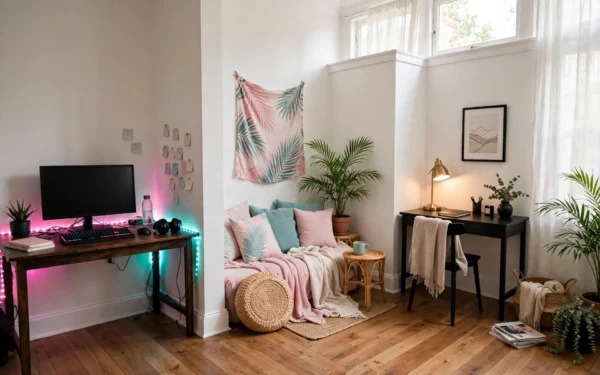
Launch night is the worst night to discover your room is fighting you. The light glares on the screen, the chair aches by hour two, the snacks are on the other side of the room, and every cable is exactly where your feet want to be.
GTA 6 arrives on Thursday 19 November, and the game will take care of itself. Your job is the room. Run this checklist the night before — light, sound, seating, snacks, and a ten-minute tidy — and launch night is about Vice City, not about your setup.
Table of Contents
[Hide]- The light check
- The sound check: no echo, no angry neighbours
- Seating for a long session
- The snack-and-drink corner
- The 10-minute tidy
- FAQ
- What should I check the night before a game launch?
- How do I stop eye strain during a long gaming session?
- How loud should I play with headphones on?
- Where should snacks go on launch night?
- How do I keep my room comfortable for a five-hour session?
The light check
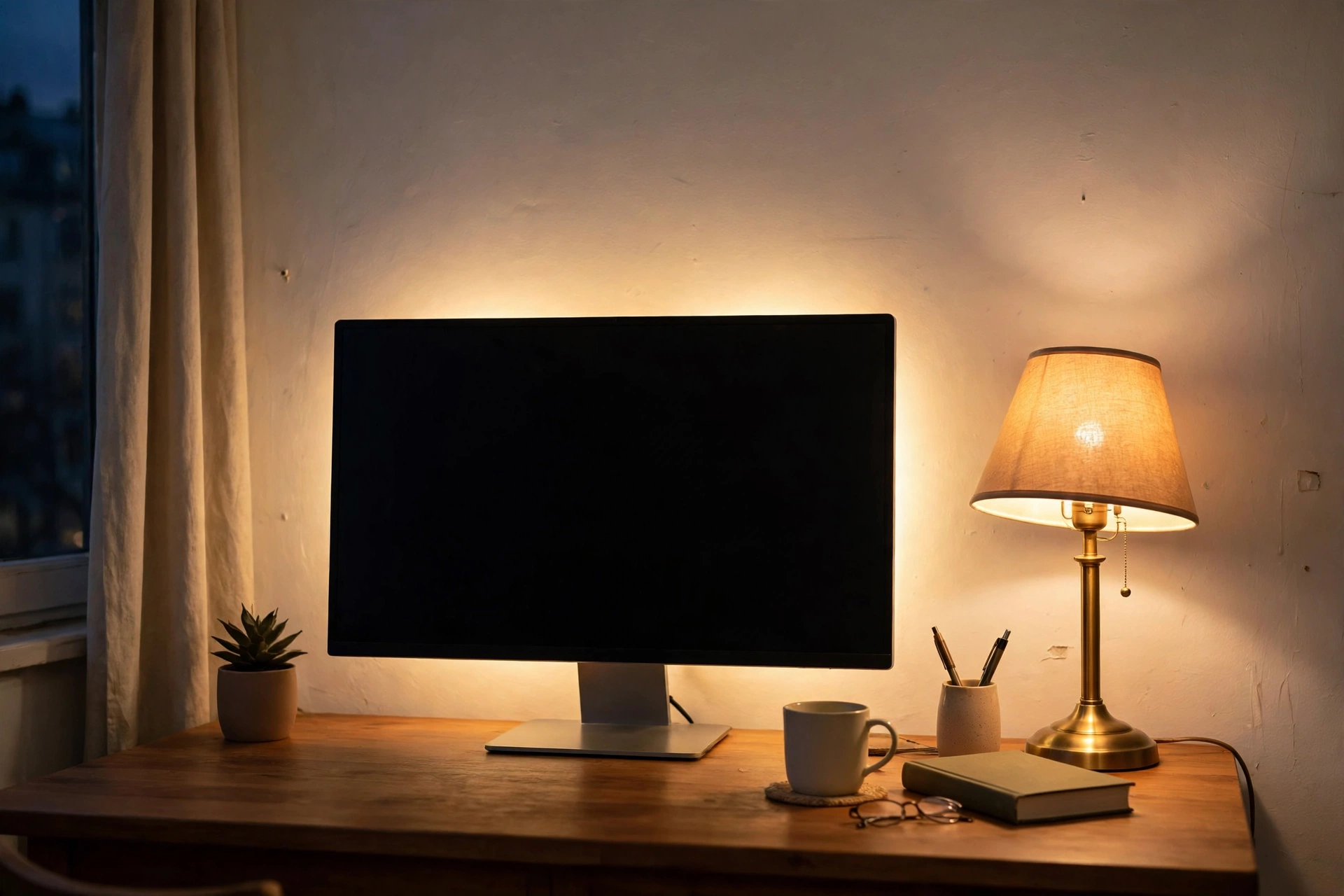
Gaming in complete darkness feels immersive for about ten minutes, then your eyes start paying for it. The extreme contrast between a bright screen and a pitch-black room forces your eyes to adjust constantly, and that is how headaches start. You do not need harsh overhead light to fix it — you need ambient light that softens the contrast without glaring on the screen.
Check three things. First, the bias light: a soft glow behind the monitor, pink or teal for the Vice City mood, or warm white if you prefer it plain. It should sit at roughly half the screen’s brightness — enough to wash the wall, never enough to compete with the game. Second, the warm lamp: one desk lamp or floor lamp with a warm bulb, placed to the side so it lights the room without reflecting in the screen. Third, the overhead: if a ceiling light shines straight down onto the monitor, dim it or switch it off for the night. Side light is your friend; light from directly above or behind you is not.
Do the check at night, in the dark, sitting in your chair. If you can see the LED dots directly, move the strip back or turn it toward the wall. If a bulb reflects in the screen, move the lamp, not the monitor. And set the room light dimmer than the screen but never absent — the goal is a room that glows softly while the game does the shining.
The sound check: no echo, no angry neighbours
Sound is the check most people skip, and it is the one that ruins a launch night fastest — either your own ears, or someone else’s evening.
Start with volume. Volume creeps upward without you noticing, especially with headphones on during intense moments. The test is simple: if you cannot hear someone speaking to you at normal volume while wearing your headphones, the game is too loud. Set your level before you start playing, not after the first chase scene.
Then the room. A small, bare room echoes: hard walls, hard floors, nothing soft to catch the sound. A rug under the desk, a curtain, a throw over the chair, even a full bookshelf — soft furnishings do more for echo than a single foam square stuck behind the monitor. If you play on speakers, keep them off the desk and away from your mouse lane, and keep the volume at a level the next room can live with. If you play late, headphones are the kind choice: they keep the night yours without making it anyone else’s.
Give your ears a break too. Switching to speakers for a quieter stretch of the game gives your ears relief from the pressure and heat of headphones, and it naturally limits how loud things get, because speaker audio is audible to others in the room. Plan one headphone break every hour or so, the same time you stand up and stretch.
Seating for a long session

The chair matters less than how you sit in it, but the setup around the chair matters a lot. Run through it the night before, not two hours into the game.
Feet flat on the floor, knees at roughly a right angle, thighs parallel to the ground. If your feet dangle, your lower back takes the strain; if your knees sit higher than your hips, your spine compresses. A cushion or a small footrest fixes either one without buying new furniture. Your lower back should touch the chair’s lumbar support without you having to lean back consciously, and the backrest should sit just slightly reclined — around 95 to 110 degrees from vertical, upright with a little lean.
Arms matter too. Your elbows should form the same 90-degree angle whether you hold a controller or a keyboard, with shoulders relaxed, not hunched up or hanging down. If your armrests push your shoulders upward even slightly, you will feel it as neck tension within the hour. The monitor should sit at arm’s length, its top edge at or just below eye level — too low and you crane your neck down, too high and you strain looking up. A slight backward tilt, 10 to 20 degrees from vertical, usually cuts glare best.
Keep the things you reach for within arm’s reach on the second arm of the desk: water, headphones, controller. Reaching across the desk all night is a shoulder ache waiting to happen. And put a bottle of water there, not a glass — a bottle survives a knocked elbow, and staying hydrated is the cheapest comfort upgrade there is.
The snack-and-drink corner

Food is where launch nights go wrong in the most expensive way: a spill on the desk, crumbs in the keyboard, a drink ring on the wood. The fix is a station, not willpower.
Set it up away from the desk, on a side table or a small cart behind the chair — never on the desk itself, and never on the coffee table directly in front of the screen, where every reach blocks the view. Split it in two: a dry station near the seating with snacks you can eat one-handed without looking away from the screen, and a wet station further back with drinks and anything that can spill. That keeps salsa away from the upholstery and drinks away from the console.
Use a tray. A tray corrals drinks, catches crumbs, and carries everything back to the kitchen in one trip. Put drinks in bottles or cups with lids, and coasters under anything that sweats. Set the station up at least an hour before launch, so you are not assembling it while the game loads. And put a small bin beside the station — empties and wrappers need a home, or they end up on the desk by midnight.
What to put on it is your call, but the rule is one-handed food that survives an hour at room temperature. Anything that needs a knife, a plate balanced on your lap, or constant reheating is the wrong food for launch night.
The 10-minute tidy
The last check takes ten minutes and saves the whole night. Clear the desk of everything launch night does not need. Coil any loose cable back into its clip and check that nothing crosses the walkway or snags when the chair rolls back. Put the controllers and headset in their home on the second arm of the desk. Wipe the desk and the screen — dust builds up behind monitors faster than anywhere else in the room.
Then walk the room once, as if you were arriving for the first time. Is the walkway from the chair to the door clear? Is the snack station reachable without stepping in front of the screen? Is the charger where your controller expects it? Is there a bin? Fix whatever snags, then stop. A tidy room is a room you can forget about, and forgetting about the room is the whole point of the checklist.
One more habit for the night itself: take a real break every hour. Not switching tabs while still seated, but standing up, walking away from the desk, rolling your shoulders and looking out a window for a few seconds. The 20-20-20 rule is a good rhythm — every 20 minutes, look at something 20 feet away for 20 seconds — and a five-minute stretch every hour keeps a long session comfortable instead of something you recover from the next day.
FAQ
What should I check the night before a game launch?
Light, sound, seating, snacks and cables: bias light on and glare-free, volume set before you play, chair and monitor at the right height and distance, a snack station away from the desk, and nothing crossing the walkway.
How do I stop eye strain during a long gaming session?
Do not play in a dark room. Keep a soft bias light behind the monitor at roughly half the screen’s brightness, a warm lamp to the side, and look away from the screen every 20 minutes for 20 seconds.
How loud should I play with headphones on?
If you cannot hear someone speaking at normal volume while wearing them, the game is too loud. Set the level before you start, and give your ears a break every hour.
Where should snacks go on launch night?
On a side table or cart away from the desk, on a tray, with drinks lidded and coasters underneath. Keep dry snacks near the seating and drinks further back, so spills stay away from the console.
How do I keep my room comfortable for a five-hour session?
Feet flat, knees at a right angle, monitor at arm’s length and eye level, water within reach, air moving across the room, and a real five-minute break every hour.